



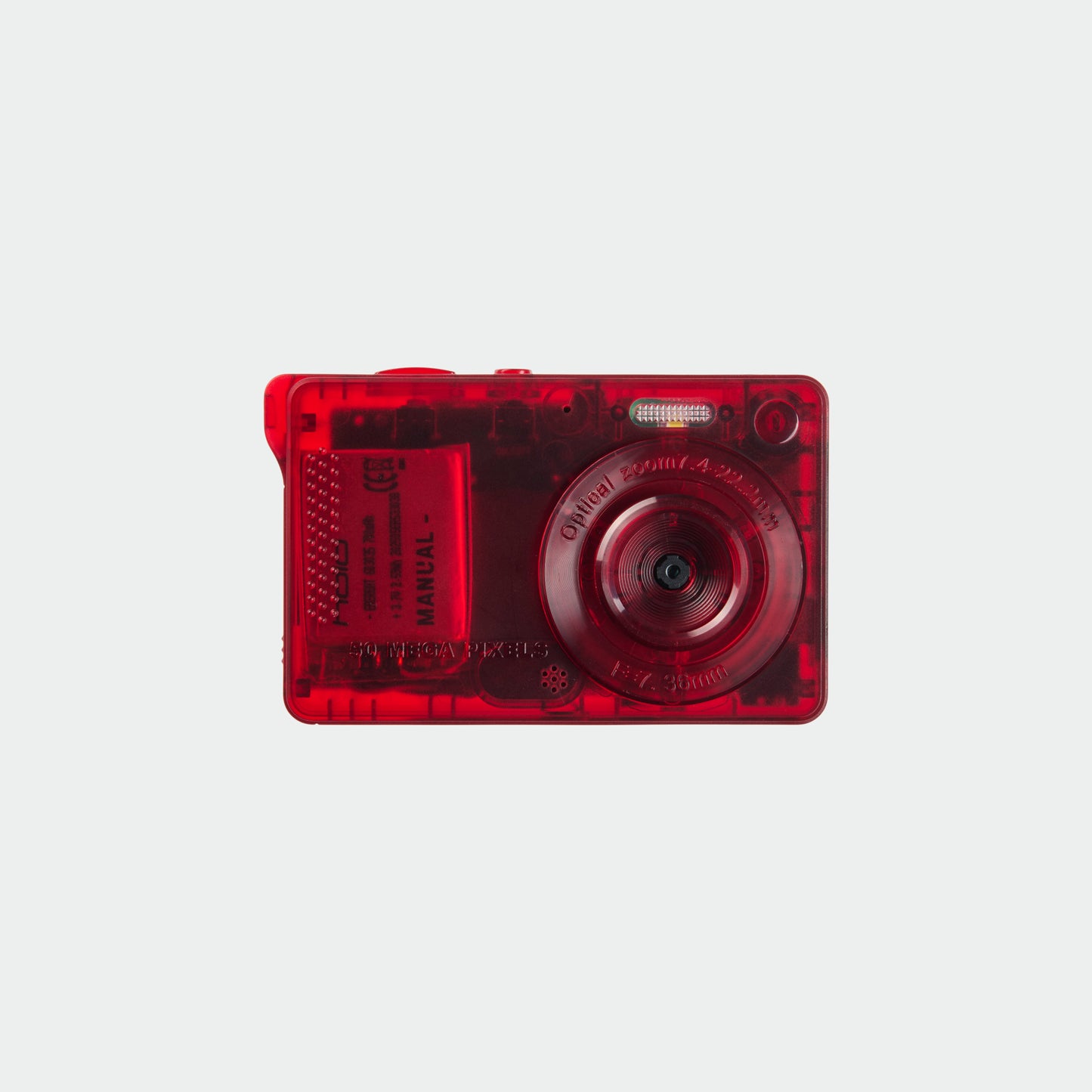
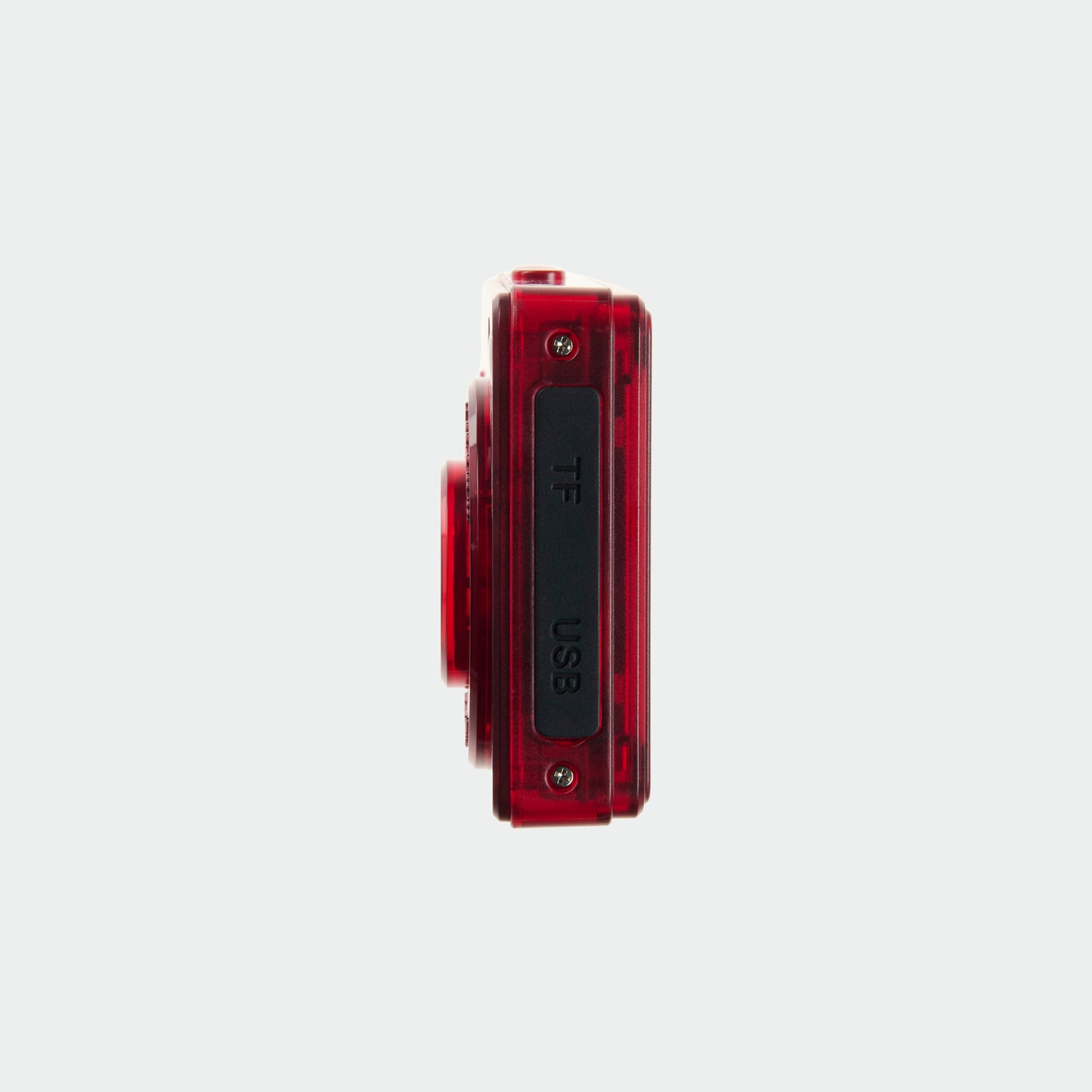


Photos are saved to a microSD card inside the camera.
You can transfer images by:
- Using our DR-2 SD card reader (sold separately)
- Connecting the camera to a computer via USB-C
- Navigate to the Files app and look for a folder called "UNTITLED"
For iPhone 15–17 models, photos can be transferred directly using the DR-2 reader.
If you have questions about compatibility, email support@manualphoto.com.
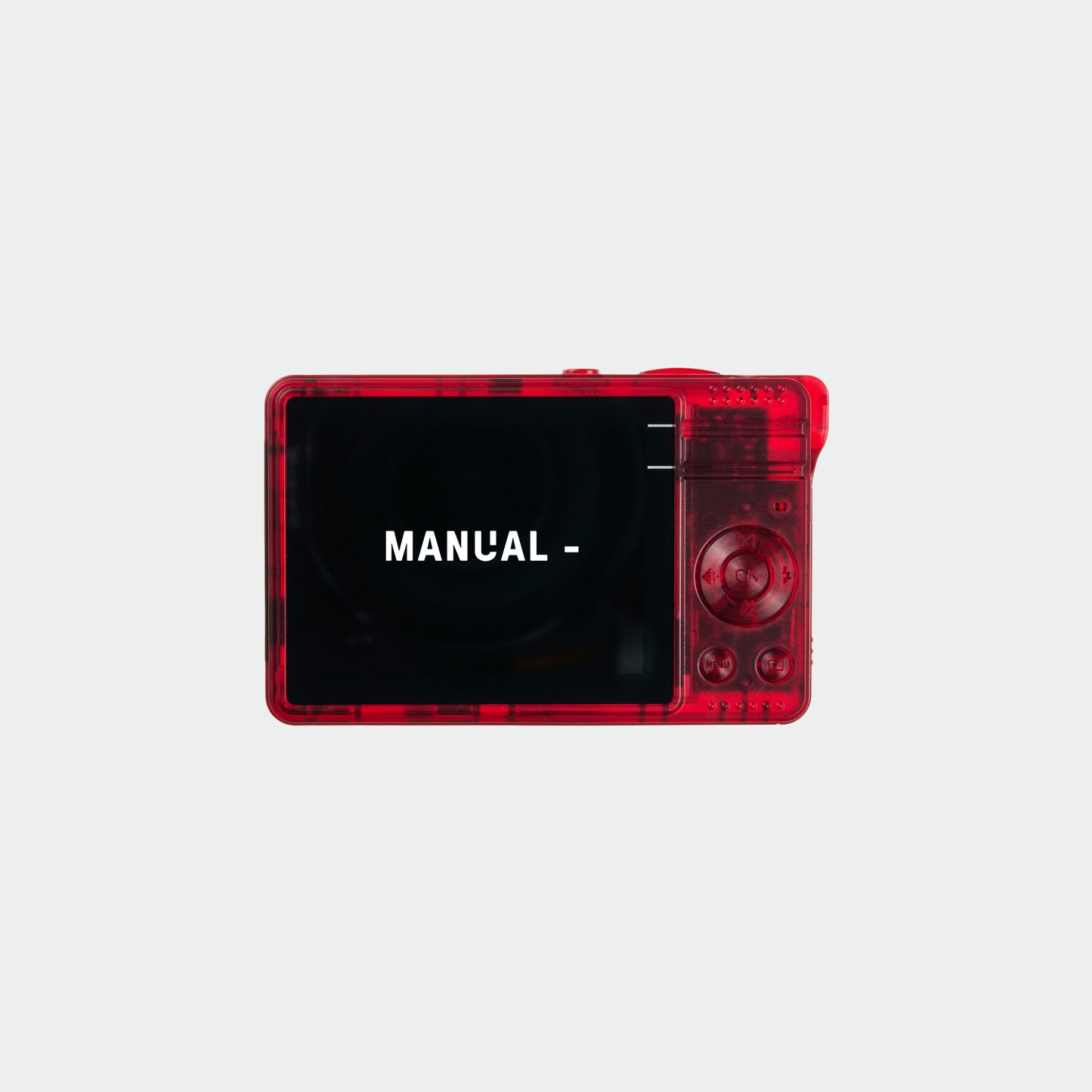
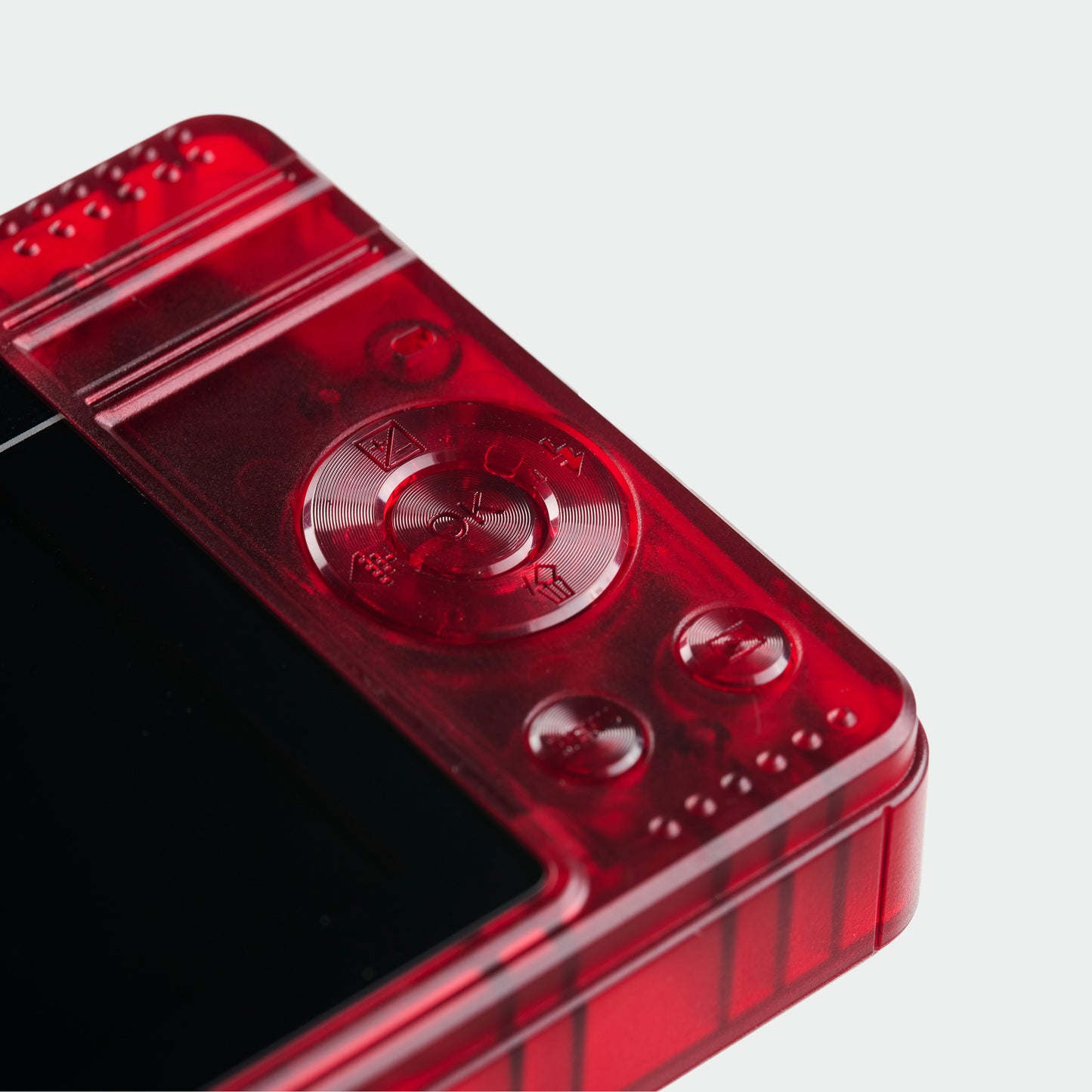
Press the bottom right button on the camera once to enter video mode. Press the shutter button once to start the video and once more the end it.
Yes. Every camera ships fully assembled and ready to shoot.
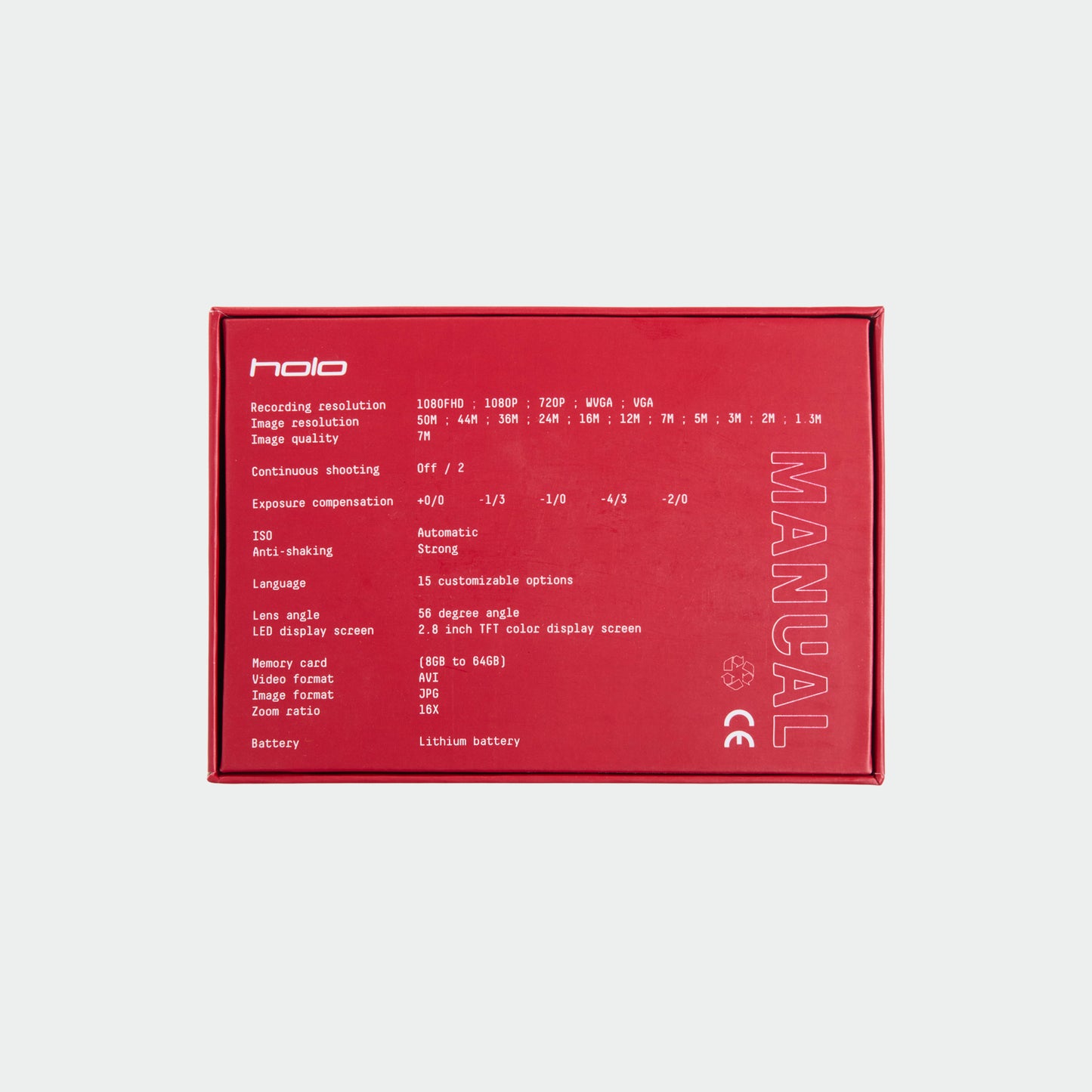
We include a 32GB microSD card, charging cable, wrist strap, and everything you need to get started right out of the box. Just charge it, power it on, and start shooting.
We ship to most countries internationally.
When checking out please enter your address in english for it to process correctly with our system.
We ship DDP so there shouldn't be any customs or import duties that you pay as a customer.
If you have questions about shipping or your order, contact support@manualphoto.com.

